A booking link for your bio and your texts
Get your evenings back. Clients book themselves. Deposits go straight to you.
Put one link in your Instagram bio or your texts. Clients see your work, then pick a time or send you their idea. You answer when you’re ready.
We take no cut. No credit card to sign up.

ExampleTattoo studio1 of 10
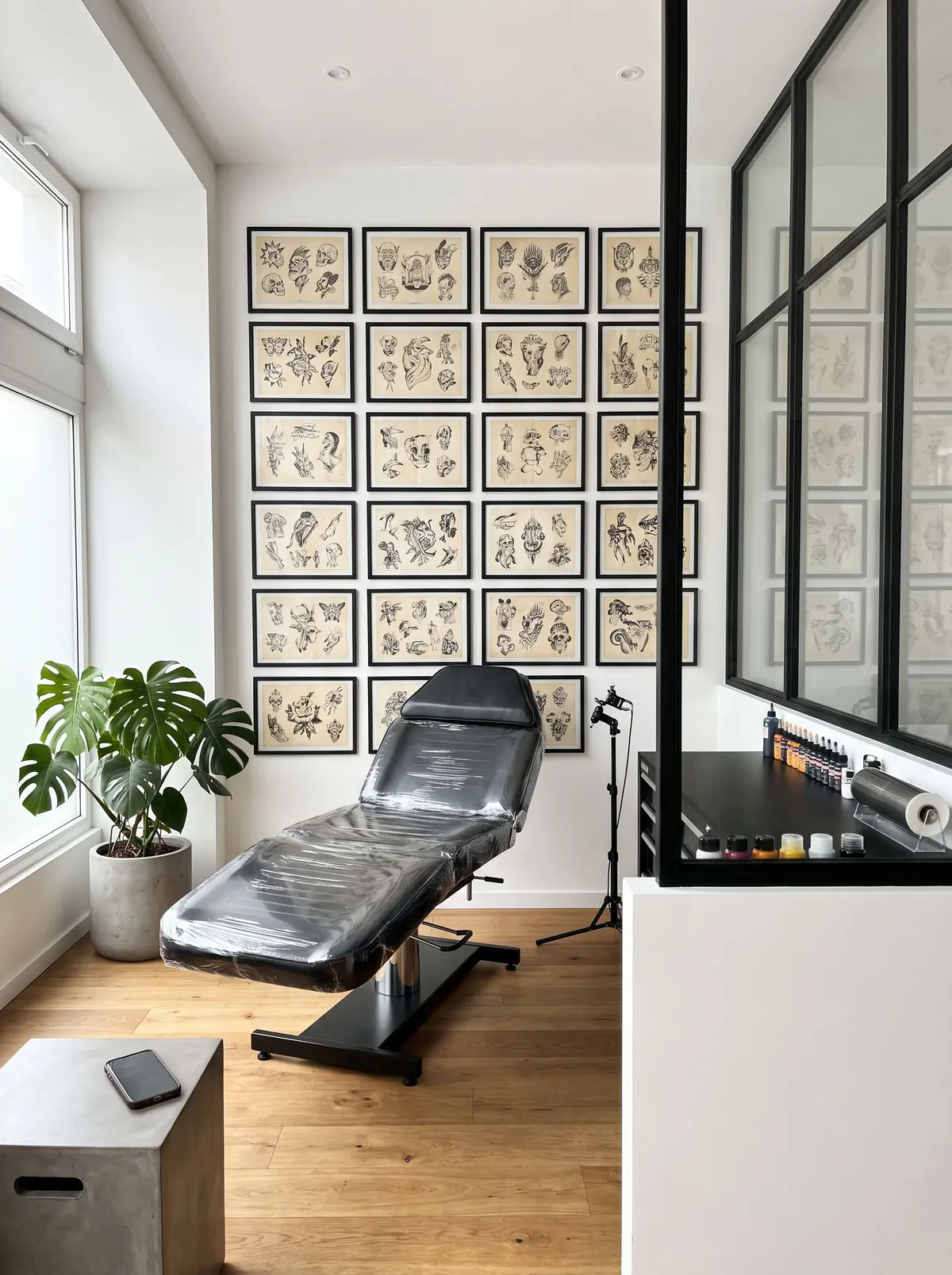 Example
Rowan Vale TattooFine line and flash · private studio
Custom tattoo From $200
Let’s talk firstSend your idea, photos and 2 or 3 dates.Flash piece $150
Reserve nowSat 11:00Sat 1:00Sun 2:00- New request: forearm piece 3 dates picked, 2 photos added
- Booked: flash piece, Sat 1 pm $50 deposit due by e-Transfer
- You tapped Deposit received Sat 1 pm is confirmed
How it works
Share one link. Get booked.
Copy it once. Then put it where people already ask you.
Step 1
Put it in your bio.
Tap Copy link. Paste it in your bio.
Step 2
Send it when they ask.
Someone asks “are you free?” Reply with your link. They pick a time or send their idea.
Step 3
They book while you sleep.
Wake up to an email for each one. Your clients already got theirs.
Getting paid
They pay you. You tap. Booked.
That’s it. Deposits optional. We take no cut.
- Your client sends you the deposit.We email them how to pay you, and by when.
- Money in? Tap Deposit received.Check your bank, or the cash in your hand.
- You both see it confirmed.Your client gets a calendar invite by email.
 Rowan Vale TattooYour booking
Your client
You
Paid straight to you by Interac e-Transfer, Zelle, Cash App, cash or another way. Card payments: coming soon.
Setting up
Setting up is the easy part.
Six short steps on your phone, and your link is ready to share.
Example: nothing is saved.
- Your name and link. The name clients see, and the link for your bio.
- What you do. Pick your trade. Ready-made questions and replies come with it.
- Your first service. Its price and how clients book it. Add more any time.
- How you get paid. e-Transfer, cash or another way.
- Your rules. Deposits, cancelling and changes. Clients agree before they book.
- Your photos. A photo of you or your logo, and a few of your work.
- Each step saves as you go, and you can change anything later.
- No website, no app to install, no credit card.
- Your clients need no app, account or password.
- Free to start. When paid plans come, there will still be a free plan.
Try both ways to book. Pick one, then tap.
Bookings
ExampleLet’s talk first: a request comes in. You choose.
Reserve now: your client picks a time. Done.
Mini sessions Saturday · 6 spots
Open times this week
- Let’s talk firstThey send their idea. You accept, decline or ask for a quick chat first.
- Reserve nowThey pick an open time and it’s booked.
When plans change
Plans change. You’re in control.
Move bookings, handle cancellations and record no-shows from your phone.
Before they book Clients agree to your rules. It’s saved with the booking.
New time. Sorted.
They reply to ask. You pick the time. They get it by email.
Cancel with your rules.
Write a reason. Refund or keep a deposit they paid. They get an email.
Remember who didn’t show.
Once their time starts, tap No-show. You keep any deposit. Their card counts it.
Your time off
Your time off stays off.
Times still get booked and requests still come in. You answer when you’re ready.
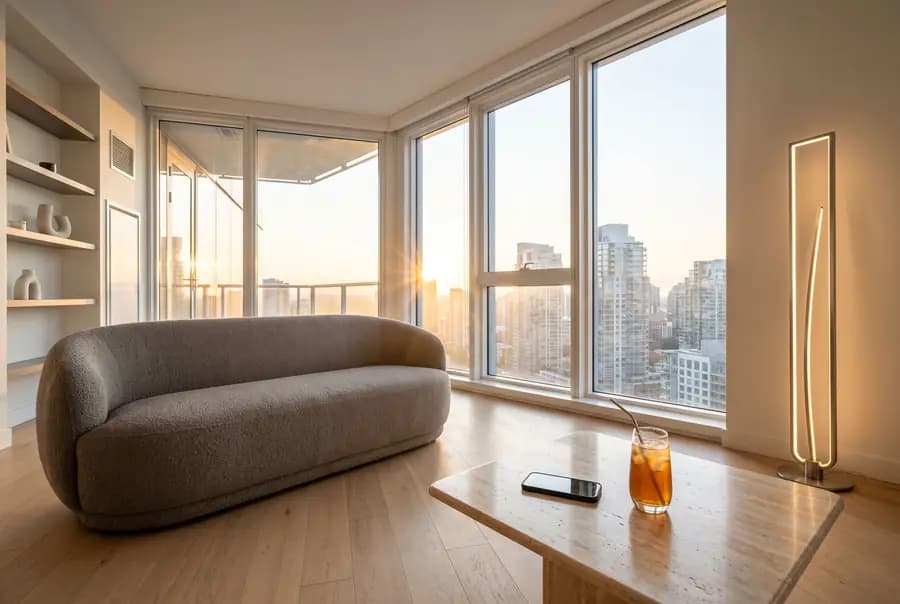
Example New request: forearm piece 3 dates picked, 2 photos added
Tuesday, 7:10 pm. Feet up. A request comes in with photos and dates. It can wait till morning. 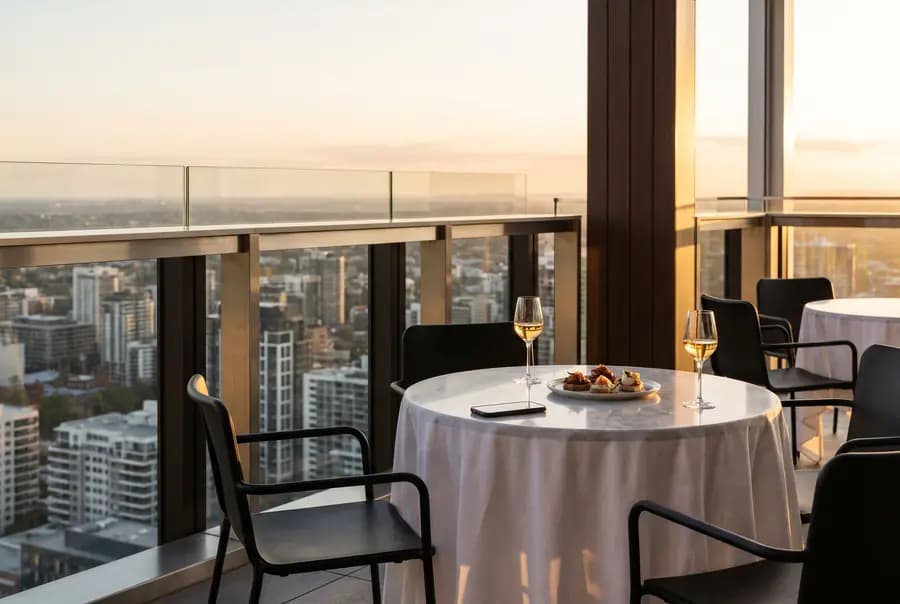
Example Booked: Sat, 11 am Confirmed and in your calendar
Friday, 8:30 pm. Dinner out. Your Saturday open times book themselves. 
Example Booked: Thu, 4 pm $50 deposit due by e-Transfer
Sunday, 2:30 pm. Pool day. A new client is told how much to send you and by when. 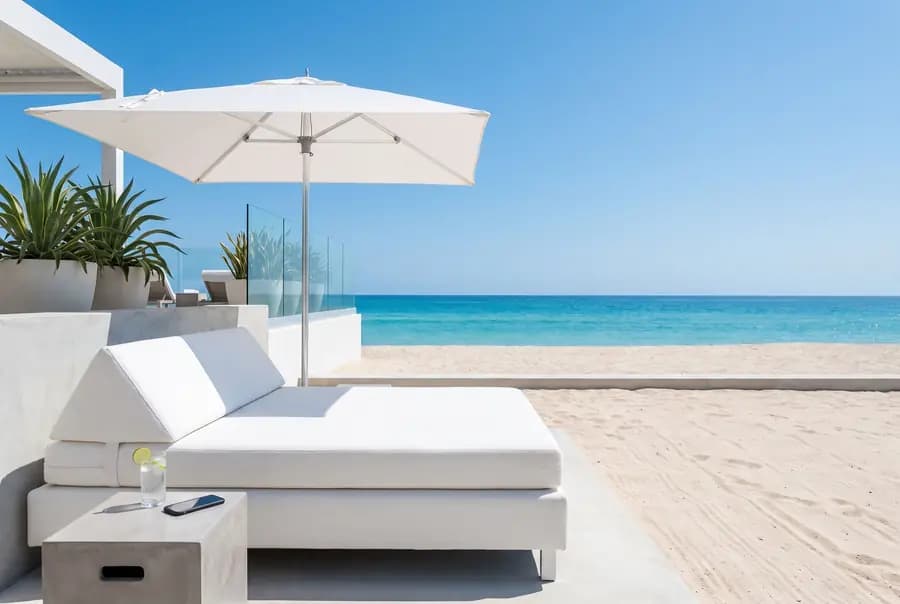
Example Reminder emailed to your client Tue, 2 pm, with the time and place
Monday, 11 am. Day off. Tomorrow’s clients get their reminder without you.


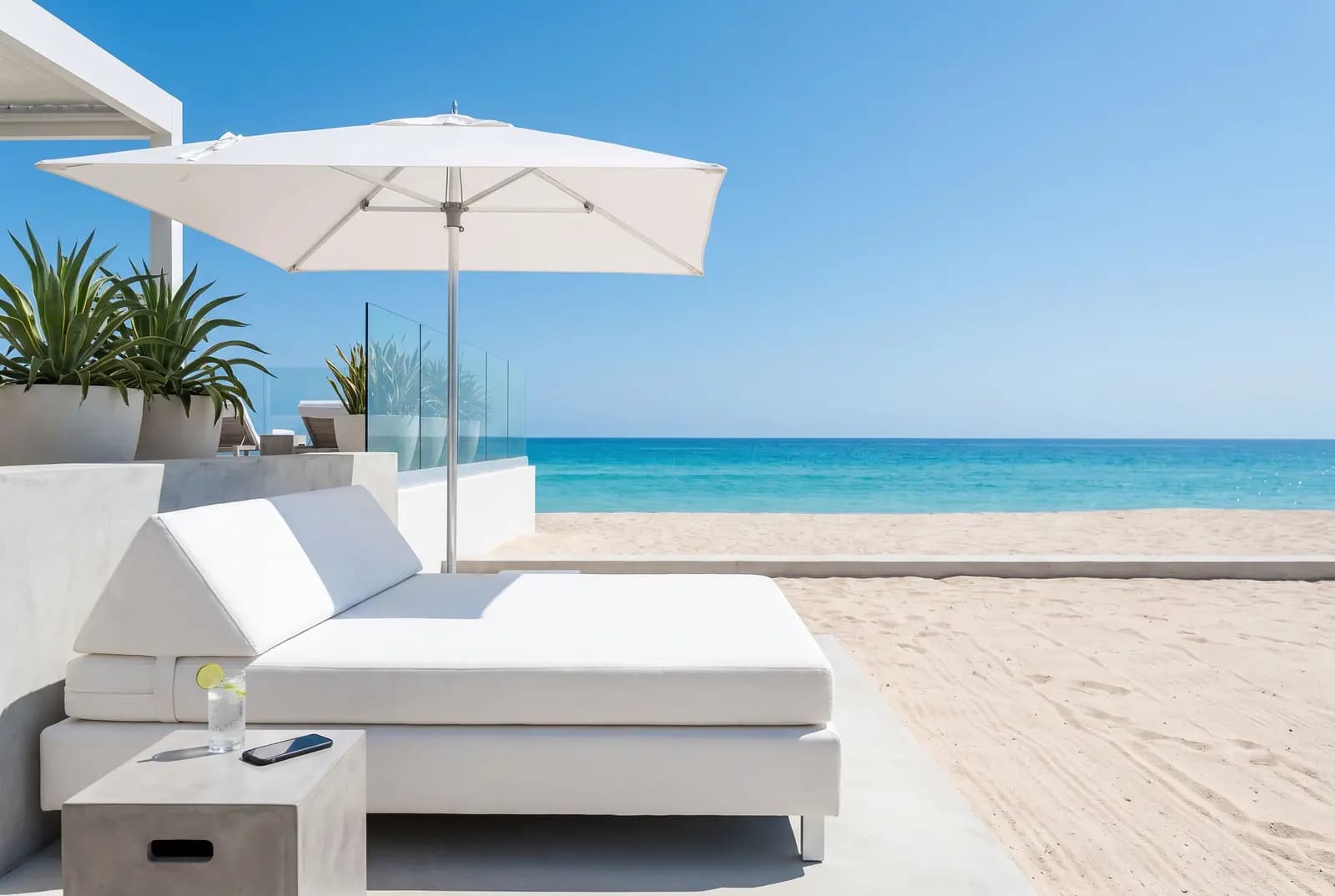
The old way
- Answering “are you free?” DMs.
- Asking for dates and photos, again.
- Chasing e-Transfers.
- Texting reminders the night before.
With your link
- Clients pick their own time.
- Requests come with photos and dates.
- They’re told how and when to pay.
- Reminder emails go out for you.
What’s in it
What else you get.
Everything here works today. What isn’t ready yet says “coming soon”.
- Your own booking page. Your work, your services, your prices and your rules.
- Days with limited spots. Open a Saturday or a pop-up day with the number of spots you choose.
- Emails sent for you. Your client gets their confirmation, and a reminder 2 days before if they booked further ahead. You get an email for each new request and booking. Text reminders: coming soon.
- Your bookings in your calendar. They show up in Apple or Google Calendar. It doesn’t see your other plans, so add those as days off.
- A client list. Everyone who asks or books, with your notes and their no-shows.
- No double bookings. Two clients can never book the same time on your page.
Who it’s for
Different trades. Same headaches.
 Tattoo artists
 Barbers
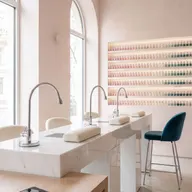 Nail techs
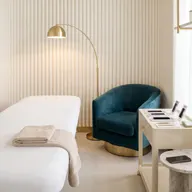 Lash and brow artists
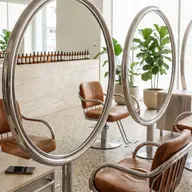 Hairstylists
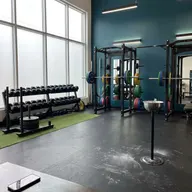 Personal trainers
 Makeup artists
 Photographers
 Massage therapists
 Car detailers
- Tutors
- Cleaners
The 11 pm DM.Your link stays up late. You don’t.The same questions, all day.Your prices and open times are on your page.Holding a spot for a ghost.Deposit not received by your deadline? The time opens up again.
“I just wanted to draw and tattoo. So I built the booking page I wanted, for anyone who books their own clients.”
Questions pros ask first.
Do you take a cut of my money?
No. Your client pays you directly, and we take nothing from it.
How do I get paid?
Your way: Interac e-Transfer, Zelle, Cash App, cash or another way. The money goes straight to you. Card payments are coming soon.
Do I have to take deposits?
No. You choose for each service: a deposit, or none.
What if they don’t pay the deposit?
You pick the deadline: 12 hours to 3 days. We email them a reminder before your deadline when there’s time. If you haven’t tapped Deposit received by then, the time opens up again, and you’re both told.
Is it free?
Yes. Zunsho is free to use right now. When paid plans come, there will still be a free plan, and we’ll email you at least 30 days before anything you use costs money.
Do my clients need an app or an account?
No. They book on your page in their phone’s browser. No app, no account, no password.
Can clients book any time they like?
No. Only in your weekly hours, around your days off, and on days you open with limited spots. For custom work, they suggest dates and you choose.
What if I don’t answer a request in time?
You pick how long you have: 2 to 4 days. We warn you a day before. Then it closes, and they’re told.
Can I still talk to clients in my DMs?
Yes. When someone asks in your DMs, send them your link.
Do I need a website or an app?
No. You get your own booking page. You run it from your phone’s browser, and you can add it to your home screen like an app.
How do I sign up?
Tap Get your booking link and type your email. We email you a link to sign in. No password.